If you are reading this, you might be in survival mode. You might feel like you are navigating a world that doesn’t understand your child—where the advice for "Deaf" doesn’t seem fit, and the advice for "Autism" doesn’t take into account needing ASL for language development. This guide is your key to installing system overrides and building practical roadmaps. We move away from behavioral labels and use a Computer Metaphor to understand your child’s unique neurology. We don't look at "tantrums"; we look at an Operating System (OS) that is overheating, freezing, or crashing because of incompatible inputs or "malware" in the form of corrupted or missing language files.
Inside this guide, you will find:
System Overview: Clear ways to distinguish between Hardware (Hearing), OS (Autism), and Software (Language) so you can target supports precisely.
The Regulation Toolkit: Why "vestibular" input (swinging) is like "overclocking" the CPU and must reliably be followed by "proprioception" (heavy work) to ground and stabilize the system.
File Management: Practical strategies to build "Batch Files" (single steps) and "Zip Files" (routines and scripts) to help your child’s executive function and reduce persistent "buffer lag."
Safety Protocols: How to install emergency scripts like STOP, COME, and HELP to protect your child from "hacks" and vulnerabilities caused by reduced situational awareness.
Your child is not broken. They are running a high-performance, specialized OS that needs the right administrator, tools, and environment. This guide teaches you how to become that informed, compassionate administrator.
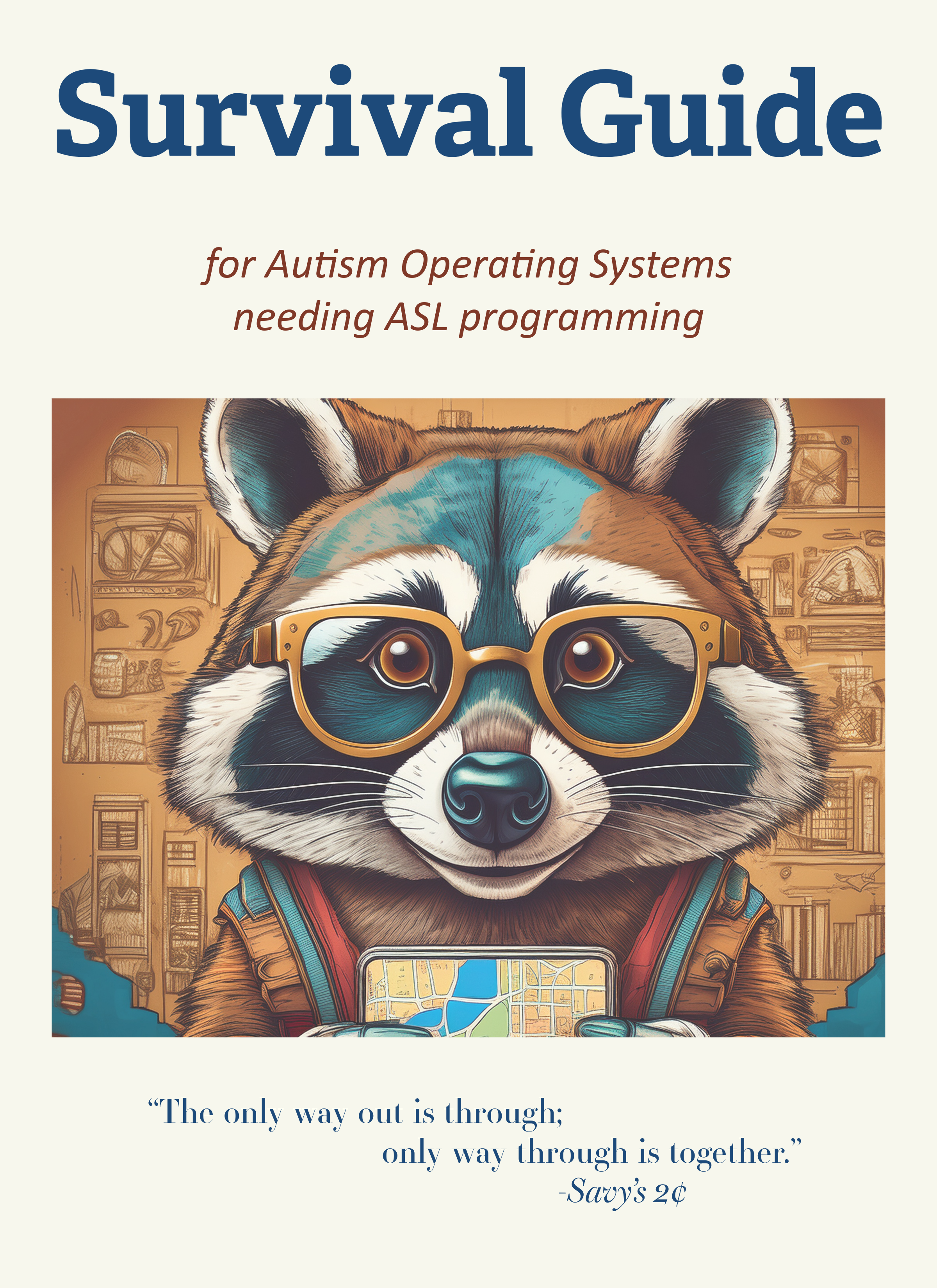 Image 1 of 10
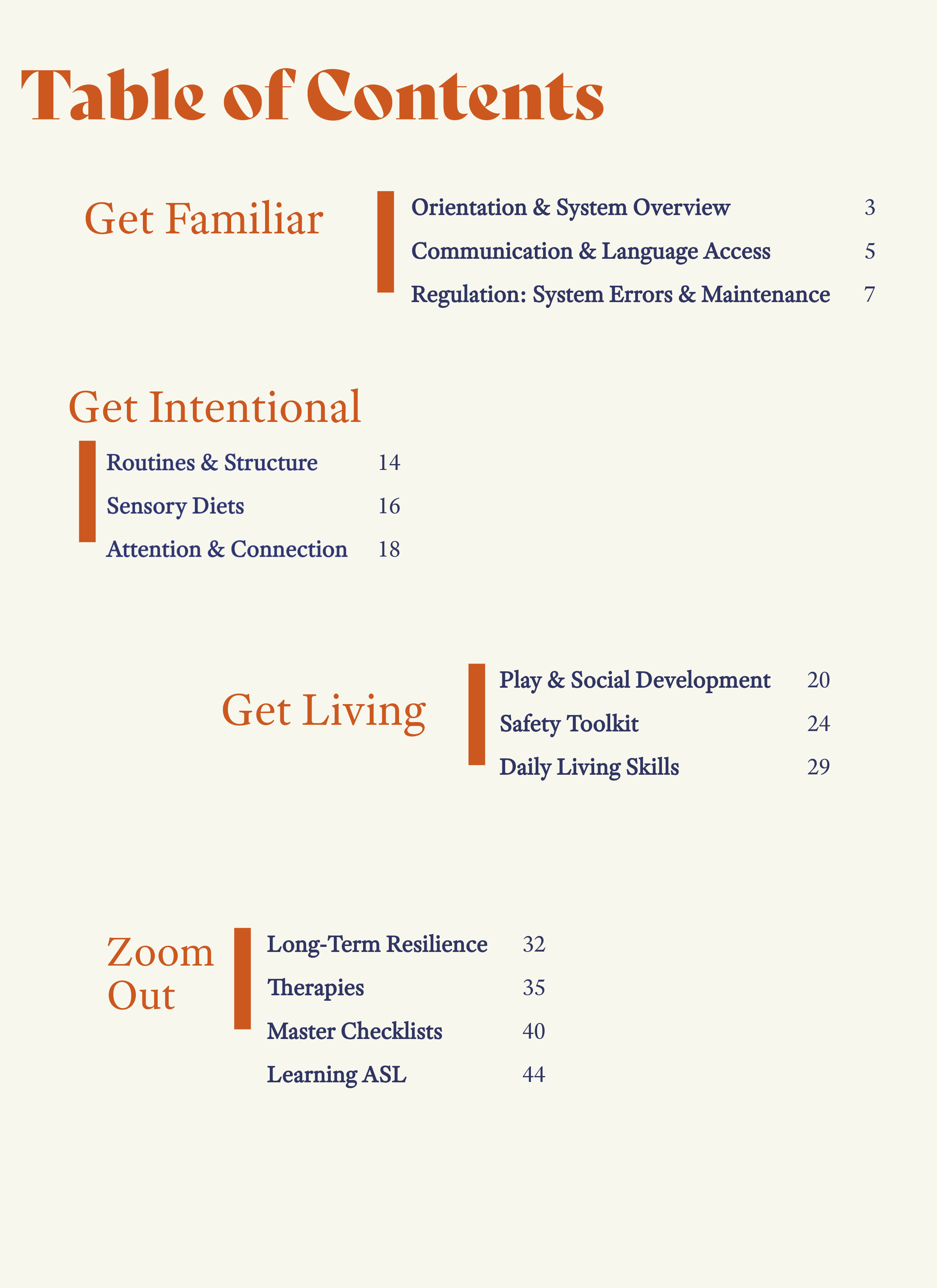 Image 2 of 10
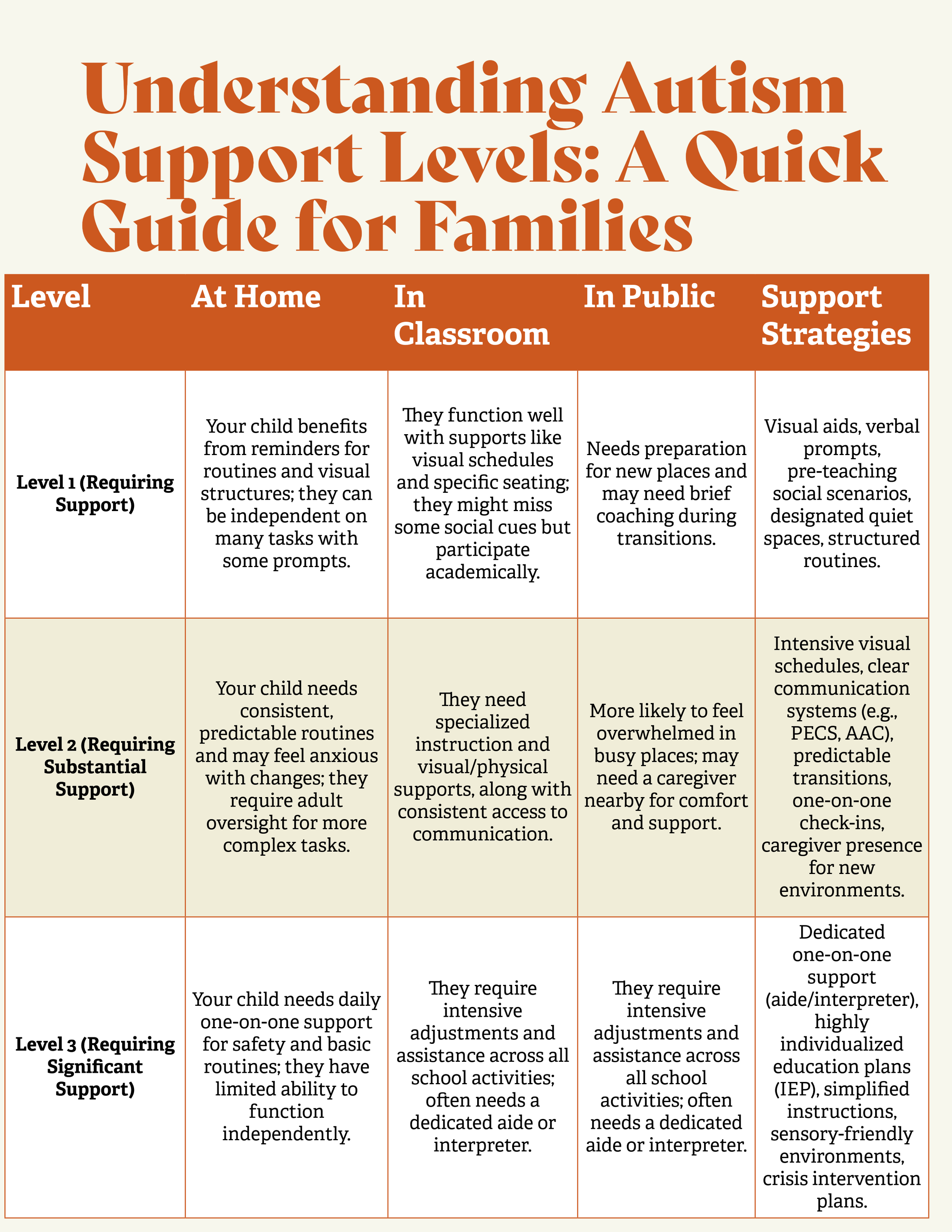 Image 3 of 10
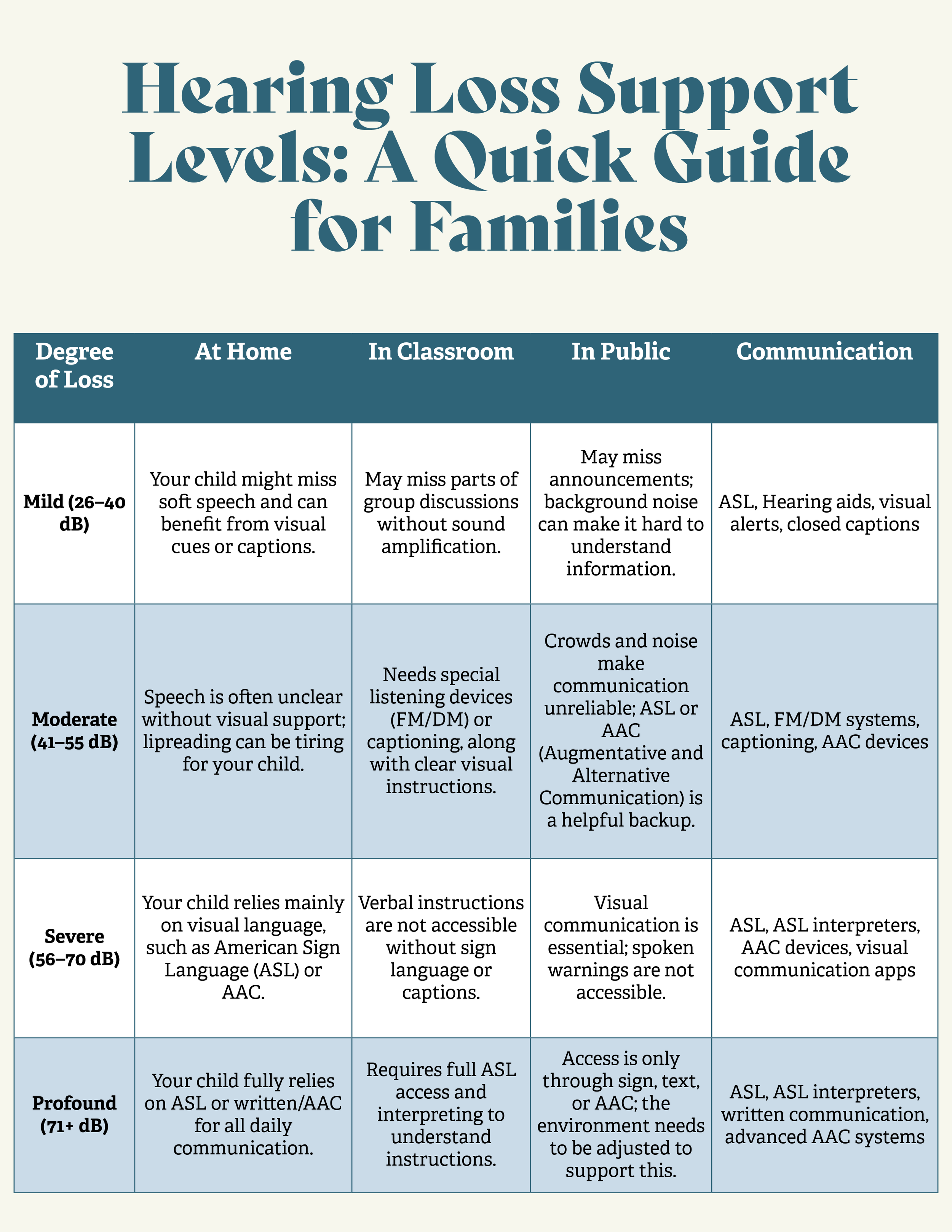 Image 4 of 10
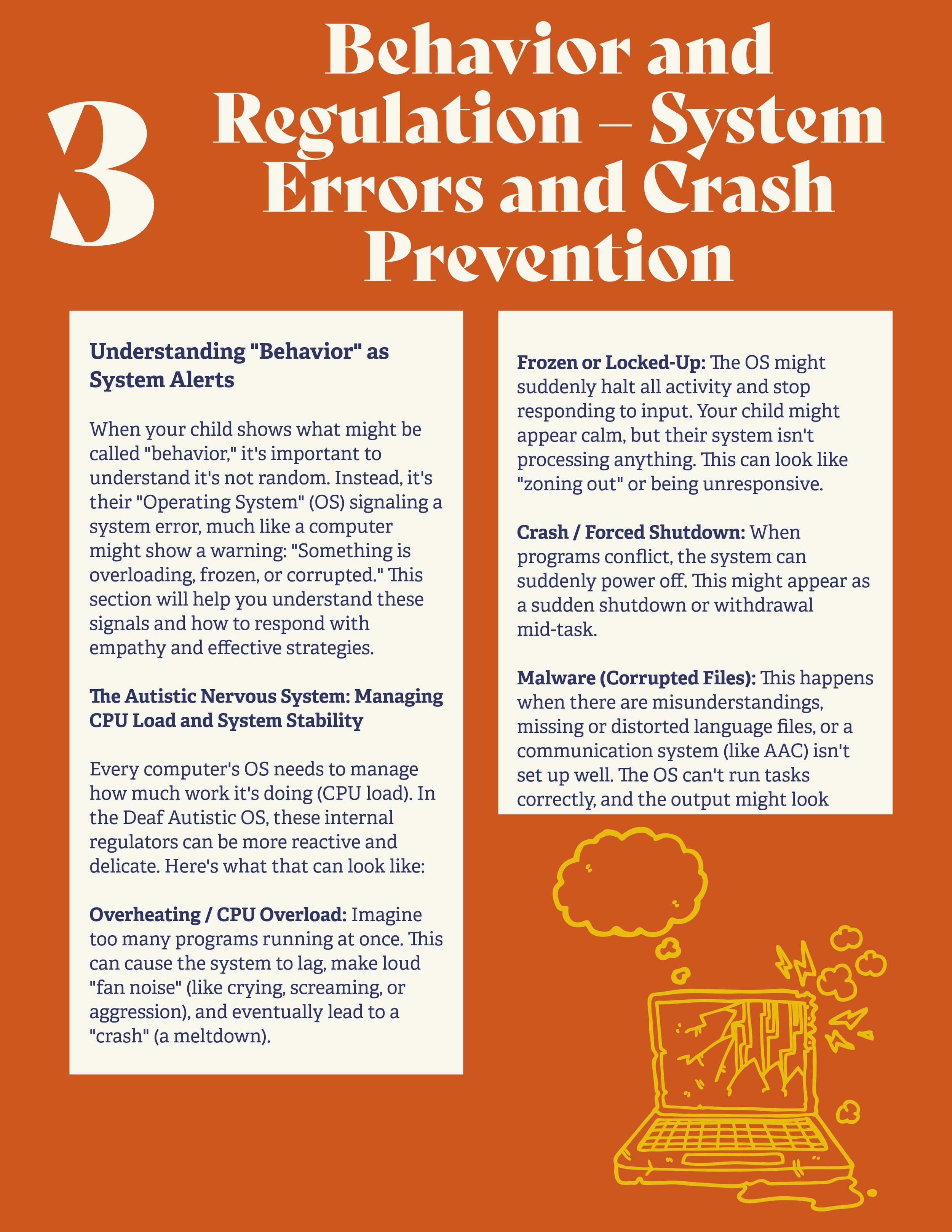 Image 5 of 10
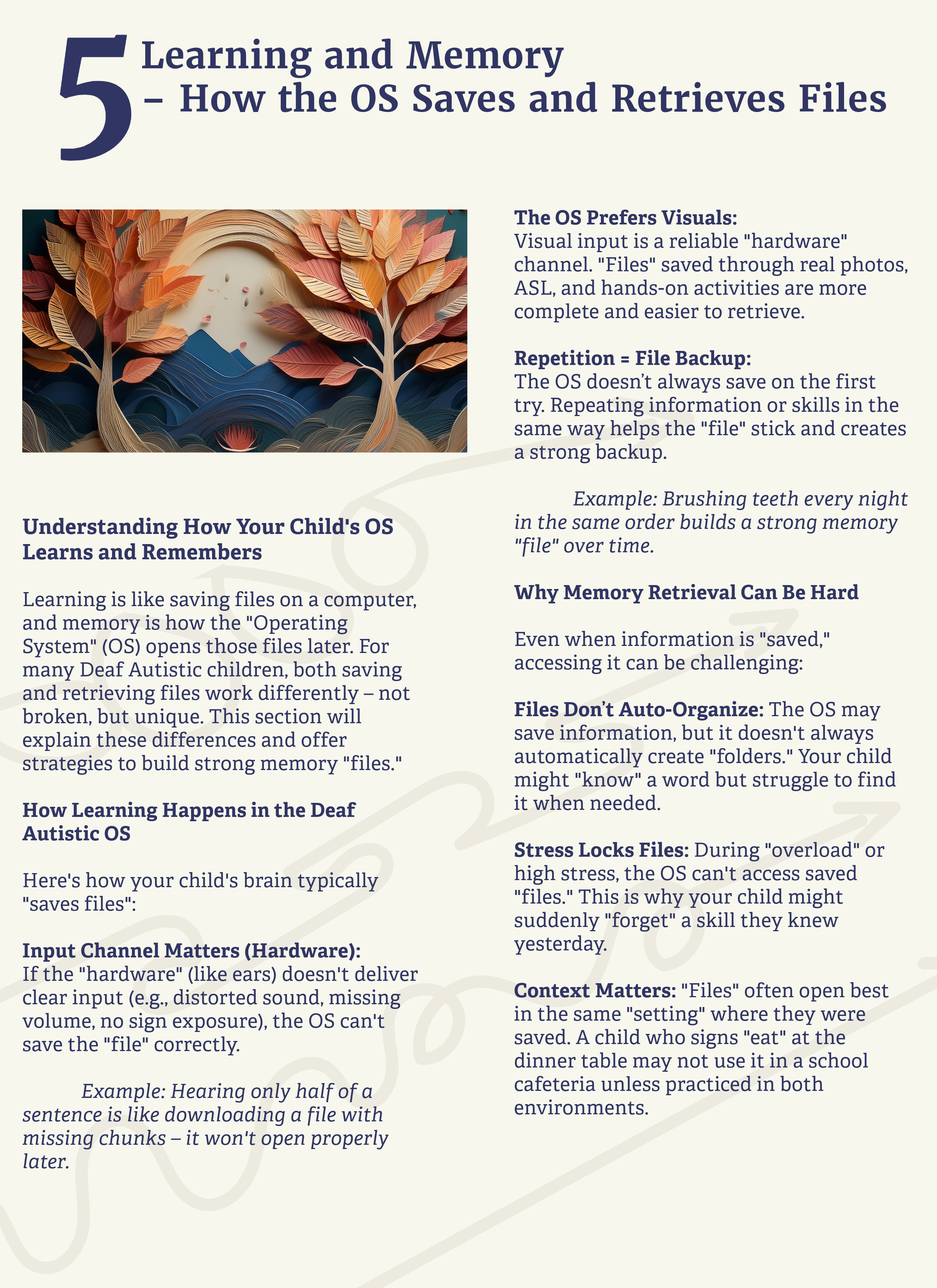 Image 6 of 10
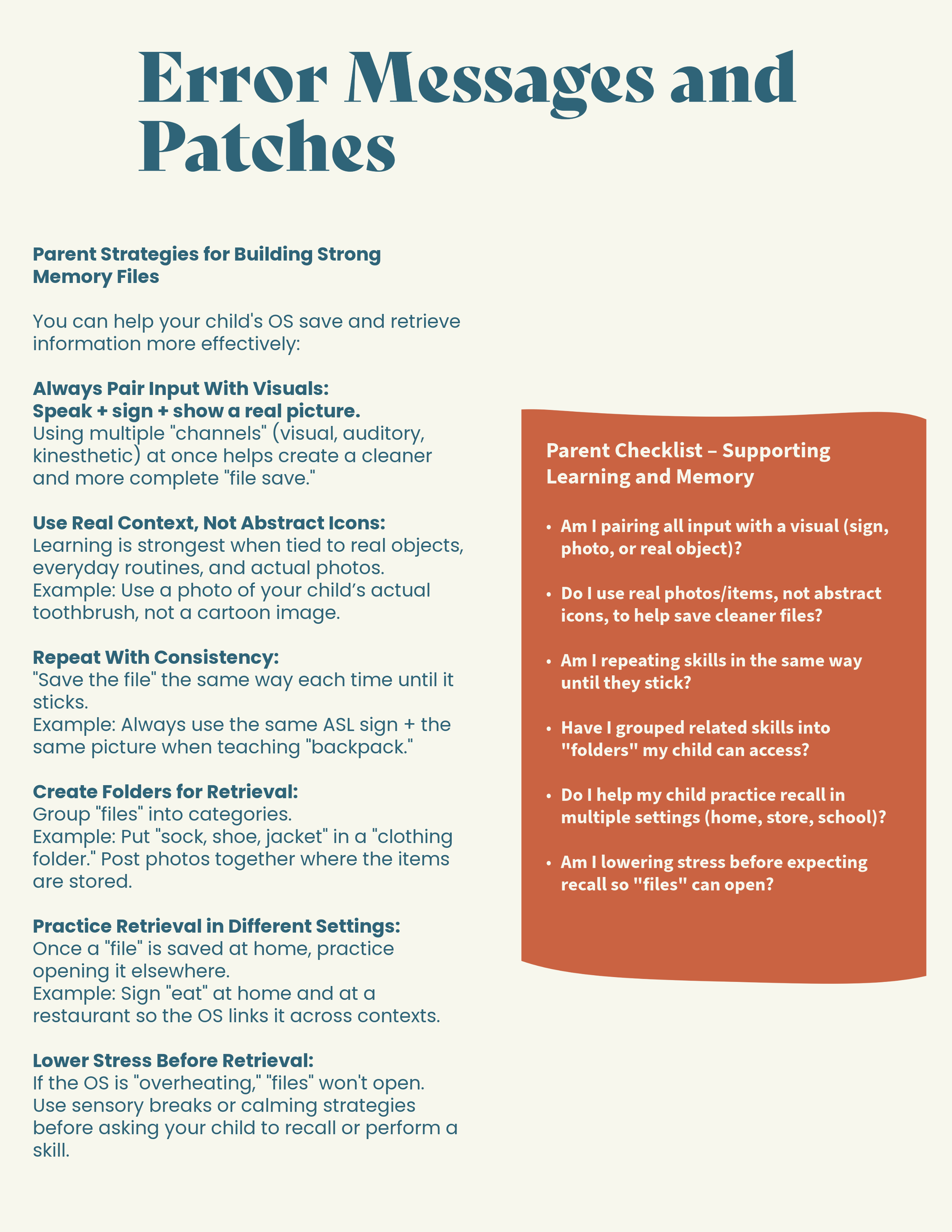 Image 7 of 10
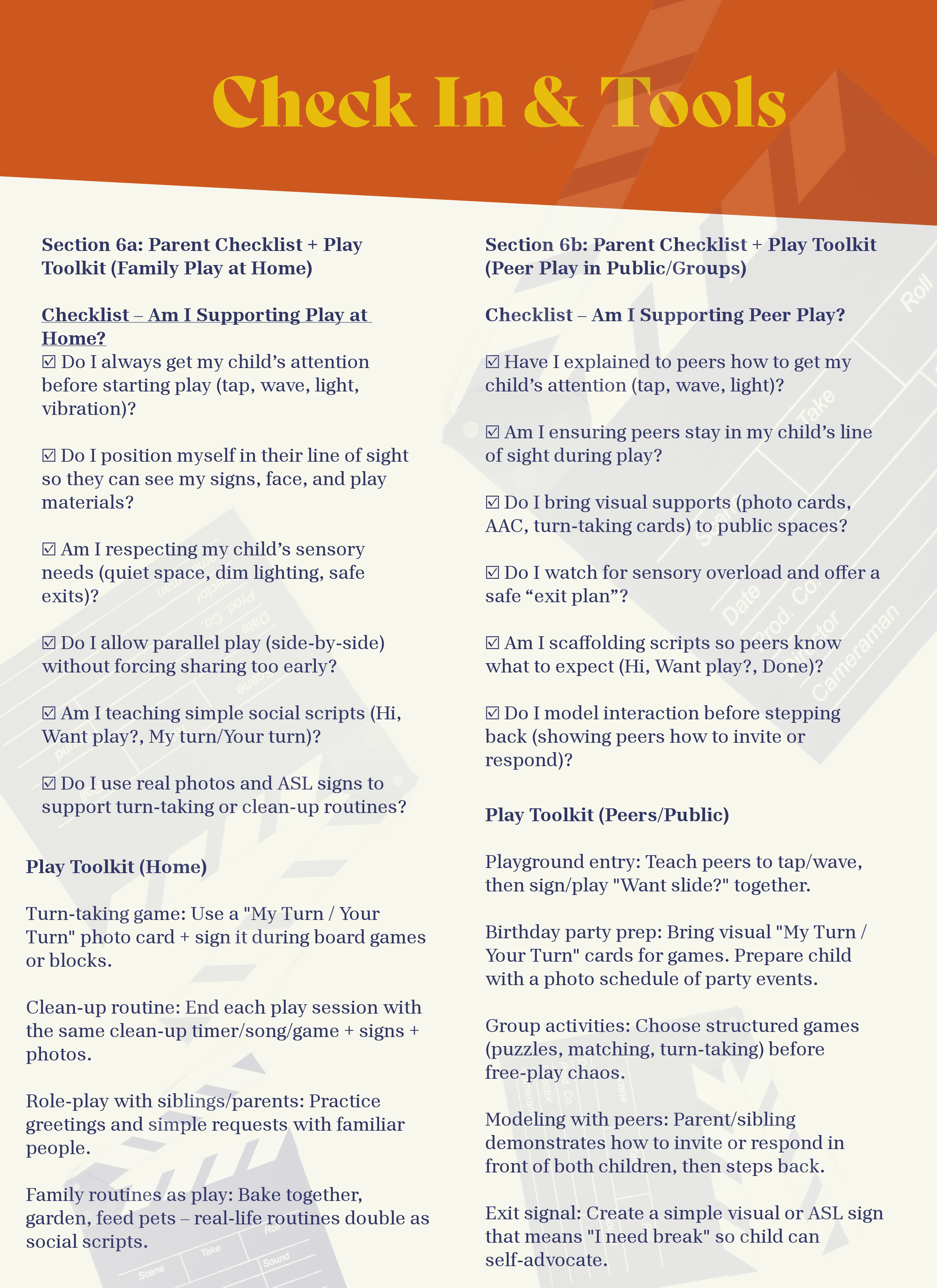 Image 8 of 10
 Image 9 of 10
 Image 10 of 10